
Social media marketing means using platforms such as Instagram, TikTok, YouTube, LinkedIn and Facebook to reach the people you want as readers or customers. Start with one clear goal and one or two platforms, post useful content on a steady schedule, and judge results by shares, saves and clicks rather than likes..
Most beginner guides list every platform, every format and every trend, then leave you to work out where to start. That’s how small brands end up posting half-heartedly on five apps and seeing nothing back.
This guide does the opposite. It shows you how to pick a goal, choose the platforms that fit it, decide what to post, and measure whether any of it is working, using what the platforms themselves say about how their feeds decide what people see. Each platform-specific skill, such as captions, hashtags or YouTube titles, has its own detailed guide linked from here.
What is social media marketing?
Social media marketing is using social platforms to reach, engage and convert an audience: readers for a blog, customers for a business, or followers for a creator. It covers what you post, how you talk to people who respond, and how you measure what that activity brings back.
It comes in two forms:
| Organic | Paid | |
| What it is | Posts, videos and replies you publish for free | Ads you pay the platform to show |
| Reach | Depends on the platform’s feed and your followers | Bought, and targeted by audience |
| Speed | Slow to build, compounds over time | Immediate, stops when spending stops |
| Best for | Trust, community, long-term audience | Launches, offers, testing messages fast |
This guide focuses on organic social media, because it’s where every beginner should start. Paid ads work far better once you know which messages your audience already responds to.
Is social media marketing worth it in 2026?
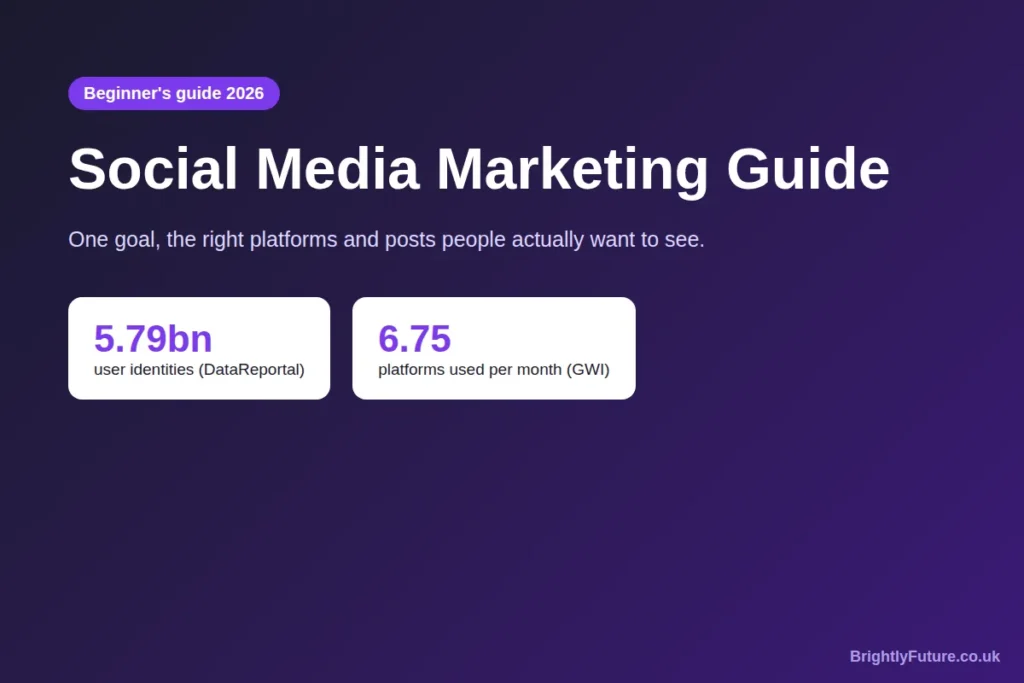
Yes, if you’re consistent and pick the right platforms, because that’s where your audience already spends time. DataReportal’s Digital 2026 mid-year update counts 5.79 billion active social media user identities, equal to 69.9% of the world’s population. (Identities aren’t unique people: one person can hold several accounts.)
People also spread their attention widely. According to GWI data cited in the same DataReportal series, online adults use an average of 6.75 different social platforms each month.
That second number is the important one for a beginner. Your audience is on several platforms, but you can’t be good on all of them at once, so the skill is choosing where to show up first.
What social media won’t do:
- Replace a website or email list. You don’t own your followers; a platform can change its feed or close your account.
- Work quickly. Organic growth usually takes months of steady posting.
- Fix a weak offer. If people don’t want what you sell or write, more posts won’t change that.
How do you start social media marketing from scratch?
Set one goal, learn who you’re talking to, pick one or two platforms, set up a complete profile, plan a few content themes, post on a schedule you can keep, and review the numbers monthly. Those seven steps are the whole beginner strategy.
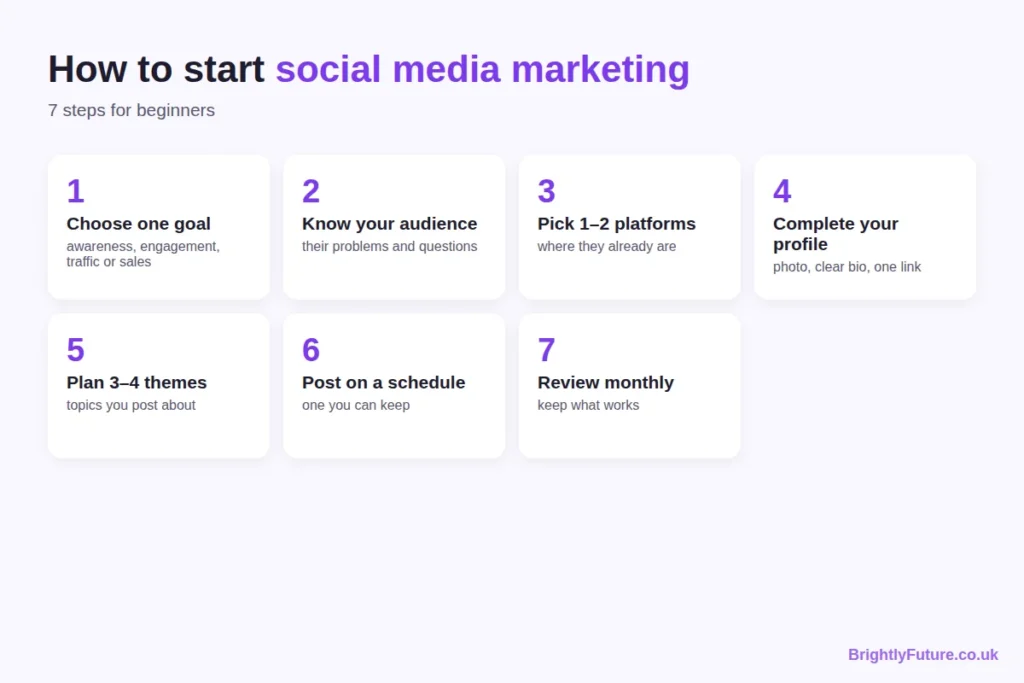
1. Choose one goal
Pick the single result that matters most for the next three months:
- Awareness: more people knowing you exist (measured by reach)
- Engagement: a community that responds (comments, shares, saves)
- Traffic: visits to your blog or website (link clicks)
- Leads or sales: sign-ups, enquiries or orders (conversions)
Make it measurable and time-bound (the SMART approach): “200 visits a month from Instagram to the blog by March” is a goal; “grow on Instagram” is a wish. One goal also stops you judging a traffic campaign by its likes, or an awareness campaign by its sales.
2. Know your audience
Write down who you want to reach, what problems they have and what they already search for or follow. Look at the accounts they follow and the questions they ask in comments. Your posts should answer those questions.
Then check three or four competitors on the platform you’re considering: which of their posts get comments and shares, which formats they use, and what nobody in your niche is covering yet. That gap is your starting angle. If you already have accounts, review them the same way before changing anything.
3. Pick one or two platforms
Choose the platforms where your audience already spends time and where your content format fits. The next section compares them.
4. Set up a complete profile
Use a clear photo or logo, a name people would search for, and a bio that says who you help and how. Add one link to your website. On Instagram, the bio has a 150-character limit, so every word counts; our free Instagram Bio Generator suggests options that fit.
5. Plan three or four content themes
Content themes (sometimes called pillars) are the recurring topics you post about. A blog about cooking on a budget might use: quick recipes, shopping tips, kitchen mistakes and reader questions. Themes stop you staring at a blank screen every day.
6. Post on a schedule you can keep
Consistency matters more than volume. Three posts a week for six months beats daily posting for three weeks followed by silence. A simple content calendar keeps you on track.
7. Review your numbers monthly
Check which posts brought the result you set in step 1, make more of those, and drop the formats that did nothing. The measurement section below shows which numbers to look at.
Which social media platform should you choose?
Choose by audience and format, not by which app is growing fastest. If your audience reads, LinkedIn or Facebook may suit you; if they watch, YouTube, TikTok or Instagram Reels will.
In the US, Pew Research Center’s 2025 survey of 5,022 adults found 84% use YouTube, 71% Facebook, 50% Instagram and 37% TikTok. Usage varies a lot by age and country, so check your own audience before deciding.
| Platform | Best for | Main formats | Good first choice if… |
| Visual brands, creators, local businesses | Reels, carousels, Stories | Your work looks good in photos or short video | |
| TikTok | Reaching new, younger audiences fast | Short vertical video | You’re comfortable on camera and can post often |
| YouTube | Tutorials, reviews, evergreen video | Long video, Shorts | Your topic needs explaining or showing step by step |
| B2B, professional services, careers | Text posts, documents, articles | You sell to businesses or professionals | |
| Local communities, groups, older audiences | Posts, groups, events | Your customers are local or over 35 | |
| X | News, tech, real-time conversation | Short text posts, threads | Your field moves fast and talks in public |
| Ideas people plan ahead: food, home, style | Pins linking to your site | You want long-lasting traffic to blog posts |
Start with one platform you can do well. Add a second only when the first runs on a routine.
What should you post on social media?
Post content that helps, entertains or explains something your audience cares about, in the format the platform favours. Each post should give the viewer a reason to stop, a reason to stay and a reason to act.
Most useful posts fall into a few types:
- Teach: a tip, a short how-to, a mistake to avoid
- Show: behind the scenes, a before-and-after, a process
- Prove: a result, a review, a case study
- Ask: a question or poll that starts a conversation
- Point: a short summary that sends people to your blog or offer
The difference between a weak and a strong post is usually specificity:
Weak: “Consistency is key on social media! 💪 Keep showing up and you’ll see results. #socialmedia #marketing #success”
Stronger: “I posted 3 times a week for 8 weeks instead of daily for 2. Fewer posts, more replies, because each one answered a question people had actually asked me. Which question should I answer next?”
The second version (an illustration, not a real campaign) makes a specific claim, explains why, and ends with a question people can answer. Specific, useful posts are also what get shared, which matters for reach, as the next section shows.
Writing the caption itself is its own skill; our free AI Caption Generator gives you starting drafts to edit.
How do social media algorithms decide who sees your posts?
Each platform predicts how likely each person is to interact with a post and ranks it accordingly. You can’t control that prediction, but you can make posts people are likely to spend time on, share and save.
Instagram explains this in Instagram Ranking Explained: each part of the app (Feed, Stories, Explore, Reels) has its own ranking. In Feed, it looks most closely at how likely you are to spend a few seconds on a post, comment, like, share, and tap on the profile photo. In Explore, the most important actions it predicts are likes, saves and shares.
YouTube says its recommendations rely on viewing behaviour, likes, dislikes, subscriptions and feedback, including satisfaction surveys. In other words, it tries to recommend videos people are glad they watched, not just videos they clicked.

What that means in practice:
- Make the first second count. Time spent is a signal, and people decide fast whether to stop scrolling.
- Create posts worth saving or sending. Checklists, tips and useful examples get saved and shared more than announcements.
- Reply to comments. Conversations show the platform people care about the post.
- Use hashtags and keywords for context. They tell the platform what a post is about; they don’t create reach on their own. Our free Hashtag Generator helps you find relevant ones.
How do you measure social media marketing results?
Measure the numbers tied to your goal, and ignore the rest. Likes and follower counts feel good, but they rarely tell you whether social media is working for your business or blog.
| Goal | Numbers to track | Where to find them |
| Awareness | Reach, impressions, profile visits | Each platform’s insights or analytics |
| Engagement | Engagement rate, comments, shares, saves | Platform insights |
| Traffic | Link clicks, sessions from social | Platform insights, Google Analytics 4 |
| Leads or sales | Sign-ups, enquiries, orders from social | GA4 with UTM-tagged links |
Two habits make these numbers useful:
- Work out engagement rate the same way every time. A common version is total interactions (likes, comments, shares, saves) divided by reach, multiplied by 100. The exact formula matters less than using one formula consistently, so you compare like with like.
- Tag your links. Add UTM parameters to every link you share, so Google Analytics shows which platform and which post sent each visitor. Google’s free Campaign URL Builder creates them for you.
Review once a month, not every day. Daily numbers jump around; monthly patterns show what’s working.
What’s changing in social media marketing in 2026?
Three changes affect how beginners should post this year: fewer hashtags, social posts showing up in Google, and audiences rewarding brands that sound human.
- Instagram limits hashtags to five. Since December 2025, Instagram has capped posts and Reels at five hashtags, replacing the old limit of 30. A few accurate tags now beat a long list of popular ones.
- Social posts can rank in Google. Since July 2025, public posts from Instagram business and creator accounts can appear in Google and Bing results, according to Metricool. Captions written with the words people search for now help on and off the app.
- Search works inside social apps too. TikTok, Instagram and YouTube all have search bars people use to find products, places and how-tos, so clear keywords in captions, titles and on-screen text help people find you.
What are the most common social media marketing mistakes?
Most beginner mistakes come from doing too much, too fast, without a goal.
- Joining every platform at once. Five half-run accounts reach fewer people than one run well.
- Chasing every trend. Sprout Social’s 2025 Index found a third of consumers think brands jumping on viral trends is embarrassing, and 27% think it only works within 24–48 hours of a trend starting. Join a trend only when it fits your topic and you can post quickly.
- Selling in every post. If every post is an offer, people stop reading. Most posts should teach, show or start a conversation.
- Posting and leaving. Replying to comments keeps the conversation going and shows people that someone is there.
- Judging too early. Changing direction every two weeks means you never learn what works.
Should you use AI for social media marketing?
Yes, for ideas, first drafts and repurposing, but not for the parts that make your posts yours. AI can turn one blog post into a week of caption drafts in minutes. It can’t know your audience’s in-jokes, your real results or what you actually think.
Use it to speed up the blank-page stage, then edit every post: add a specific detail, a real example and your own voice. The editing steps in how to humanize AI content apply to captions as much as to blog posts.
There’s also a reason to stay authentic: the same Sprout Social research found that authenticity and relatability are the two traits consumers value most from brands, and about half say original content is what makes their favourite brands stand out. Generic AI posts are the opposite of both.
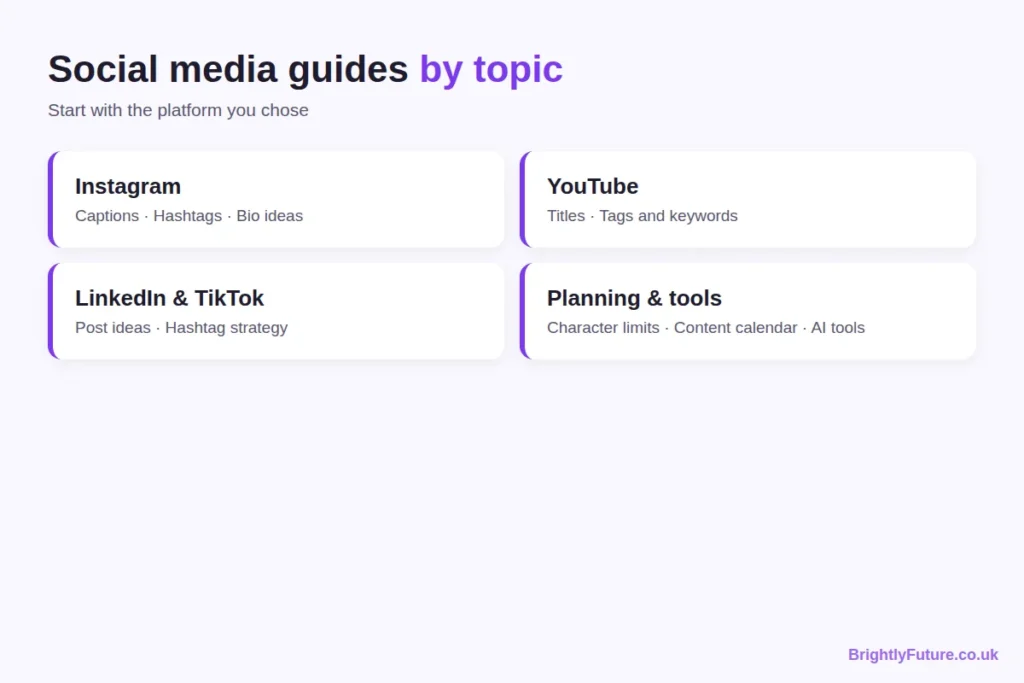
Social media marketing guides by topic
Each skill in this guide has its own detailed article. Start with the platform you chose above.
- How to write Instagram captions for businesses that get engagement
- Instagram hashtags in 2026: the 5-tag strategy, with tags by niche
- Instagram bio ideas for business [Coming soon]
YouTube
- How to write YouTube titles that get more views [Coming soon]
- YouTube tags and keywords: what still matters [[Coming soon]
LinkedIn and TikTok
- LinkedIn post ideas for business [Coming soon]
- TikTok hashtag strategy [Coming soon]
Planning and tools
- Social media character limits for every platform [Coming soon]
- How to create a social media content calendar (free template) [Coming soon]
- AI tools for social media marketing [Coming soon]
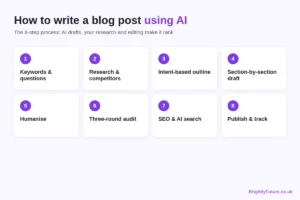
If you also run a blog, social media works best when it sends people to articles worth reading. Our complete guide to AI content writing covers the writing side.
Frequently Asked Questions
Is social media marketing free?
Organic social media is free to use, but not free to do well. The real cost is time: planning, creating, replying and reviewing. Many beginners also pay for a scheduling tool or design app once they post regularly, but neither is needed to start.
Should you post the same content on every platform?
Share the same idea, but adapt the format. A blog tip can become a LinkedIn text post, an Instagram carousel and a short video, each written for how people use that platform. Copying the exact post everywhere usually looks out of place, because captions, lengths and hashtags work differently on each app.
Do you need a business account?
On Instagram and TikTok, a business or creator account gives you analytics and contact options that personal accounts don’t have, and switching is free. On LinkedIn, you can start with your personal profile: it already has your connections, while a new company page starts with no followers.
How long does social media marketing take to work?
Expect at least three months of steady posting before you can judge it. Early posts reach few people because the platform knows little about your account or audience. Review your monthly numbers and look for direction (rising reach, more saves, more clicks) rather than overnight growth.
Is it worth buying followers?
No. Bought followers don’t engage, so your engagement rate drops and the platform shows your posts to fewer real people. Most platforms also prohibit fake engagement in their rules and can remove fake accounts, so the numbers may disappear anyway.
Start with one platform this week
Pick your goal, choose one platform, complete your profile and plan three content themes today. Post on a schedule you can keep for three months, then check what worked. That’s the whole strategy; everything else is practice and the detailed guides above.